
What Is a Lehigh County Court Docket
A docket is a chronological list of filings, actions, hearings, and events in a case. Think of it as the case timeline. Each line, called a docket entry, shows one step: a complaint filed, a hearing set, a motion, an order, a plea, a sentence. The docket does not hold the documents themselves. It tells you what was filed and when, not what the papers actually say. For the real pleadings or orders, you go to the office that keeps the file.
People sometimes mix up a few terms. A docket is the index of events. The case file is the full set of papers. A document is one item inside that file. A certified copy is an official stamped version of a record. The free state docket sheet is a summary and index. The official case file stays with the court or the records custodian, and certified copies must come from that office. Knowing the difference saves time and a wasted trip. For a wider look at all case materials, see Lehigh County court records.
Docket sheets exist at every court level in Pennsylvania. The state system publishes them for the Supreme, Superior, and Commonwealth Courts, the Courts of Common Pleas, the Magisterial District Courts, and Philadelphia Municipal Court. In Lehigh County, that means both the Court of Common Pleas and the local Magisterial District Courts post docket sheets you can pull up by name or number.
How to Find Lehigh County Dockets Online
The free statewide tool is the Pennsylvania Unified Judicial System (UJS) Case Search. It lets anyone search and view docket sheets at no cost. A UJS docket sheet gives a summary of case status, the court name, the presiding judge, documents filed, hearings, and other court activity. Start there for any Lehigh County matter. The county also runs Lehigh County Odyssey Public Access, which needs an account and shows data only through the end of the prior business day. For same-day status, the county points you to the Clerk's office instead.
You can open the free portal at UJS Case Search and pick a search type. The two common ways to search are by docket number and by participant name. The list below walks through a basic search.
- Open UJS Case Search and choose a search type, such as docket number or participant name.
- Pick the right court level. Use Court of Common Pleas for felonies, divorce, custody, and major civil suits. Use Magisterial District Court for traffic, summary offenses, landlord-tenant, and small civil claims.
- Select Lehigh as the county, then enter a name or the docket number. Add a filing-date range for common names.
- Open the docket sheet from the result and review the entries, parties, charges, and disposition.
The county's own access route runs through the Civil Division, which handles attorney and public docket access. The Lehigh County Civil Division explains its docket access options on the Attorney Docket Access page.
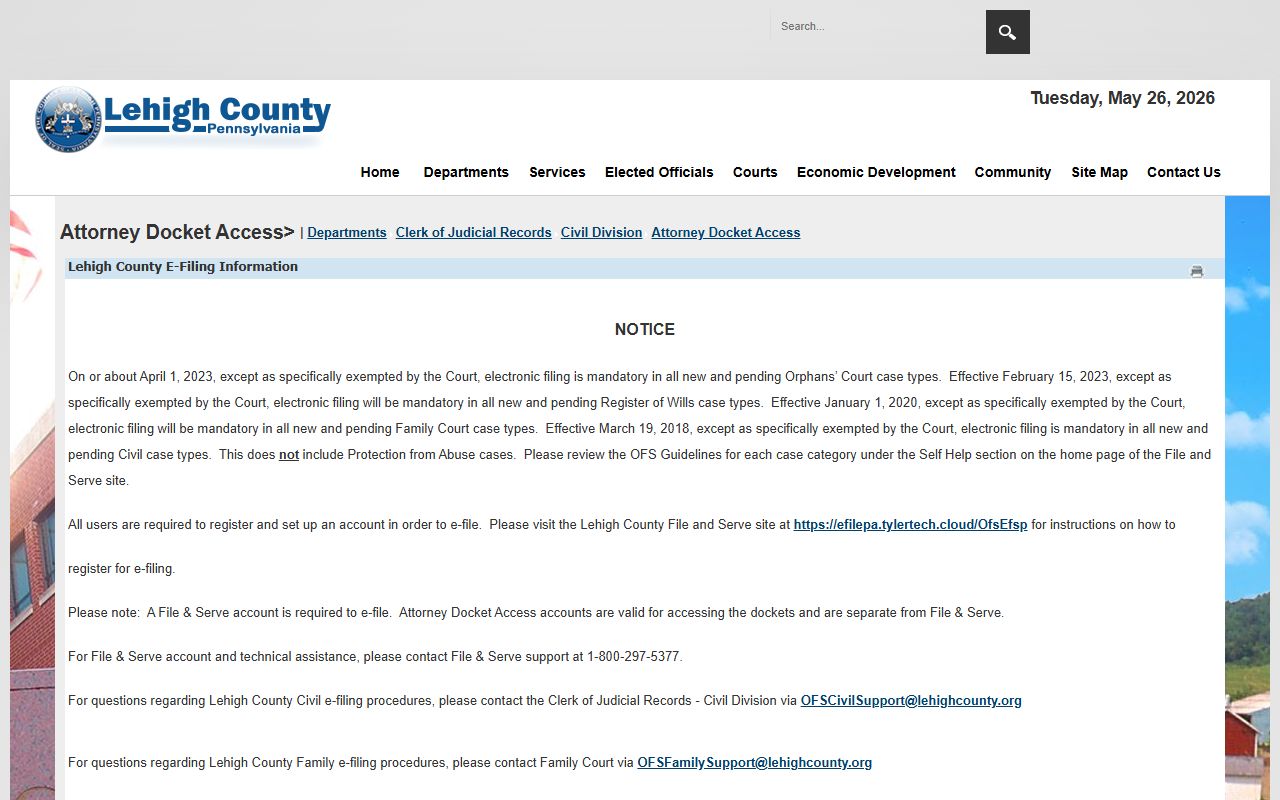
That page sits in the Civil Division, which dockets, indexes, and scans civil cases, judgments, notes, and liens. It is a good starting point when your matter is a civil filing rather than a criminal one.
Searching by Docket Number vs Name
There are two main ways to find a Lehigh County docket. The fastest is the docket number, since it points to one case and one case only. If you do not have it, a name search still works, but it can return many people who share a surname. The steps below cover both paths so you can pick the one that fits what you know.
- If you have the docket number, search by docket number. Lehigh Common Pleas criminal dockets often look like CP-39-CR-####-YYYY, where 39 is the county code for Lehigh County.
- For a local district matter, expect an MJ prefix and a district number, since Magisterial District dockets use that format.
- If you do not have a number, search by participant name. Use a last name plus a first name when you know it.
- For a common surname, add the county, the court level, a filing-date range, or a date of birth where the portal allows it.
- Check both the Magisterial District Court and the Court of Common Pleas for a criminal matter, since many cases start at the district level and move up.
Name searches can return false matches. Do not assume a record belongs to someone just because the name lines up. For employment, licensing, or any legal use, request a certified disposition or an official criminal history check rather than relying on a name hit. Criminal docket details are covered more on the Lehigh County arrest records page.
Sample Lehigh County Docket Entry
A Common Pleas criminal docket sheet packs a lot into a small space. Each section answers a different question: who, what, when, and what came of it. The table below lists the main fields you see on a Lehigh County criminal docket and what each one tells you. Civil and family dockets share many of the same fields, though sensitive matters may hide or limit some party details.
| Field | What It Shows |
|---|---|
| Docket Number | The case ID. Lehigh Common Pleas criminal cases use CP-39-CR-####-YYYY. |
| Court & County | Court of Common Pleas of Lehigh County, or the specific Magisterial District Court. |
| OTN / Complaint Number | The offense tracking number and police complaint or DC number where shown. |
| Arresting Agency | The police department or agency that filed the charges. |
| Parties & Attorneys | Defendant, the Commonwealth, and attorneys of record, with bar IDs in some views. |
| Charges Table | Count, statute section, description, offense date, grade, and disposition. |
| Proceedings | Preliminary arraignment, preliminary hearing, formal arraignment, status conference, trial, plea, sentencing. |
| Bail Section | Bail action, amount, type, posting, and refund or disposition where shown. |
| Calendar Events | Date, time, courtroom, event type, and the assigned judge. |
| Docket Entries | Filing date, entry text, the filing party, and any document indicator. |
| Financial | Court costs, fines, and restitution. |
A Magisterial District traffic or summary docket runs shorter. It shows the MDJ district number and judge, the citation or complaint number, the defendant and issuing authority, the statute or ordinance, the plea or disposition, the amount due or paid, hearing dates, and any appeal to Common Pleas. Note: personal identifiers, minors' names, abuse-victim data, and financial-account numbers are redacted under the UJS Case Records Public Access Policy.
Courts That Publish Dockets in Lehigh County
Lehigh County is the Thirty-First Judicial District. Two trial-level court groups generate the dockets most people search. The Court of Common Pleas is the general jurisdiction trial court in Allentown, with ten full-time judges and two senior judges. Below it sit the Magisterial District Courts, the first level of the system. Both publish docket sheets through the state portal, so a single search can reach either level once you pick the right court type.
- Court of Common Pleas: felonies, major civil suits, divorce, custody, support, juvenile, and estate matters.
- Magisterial District Courts: summary offenses, most traffic, preliminary hearings, landlord-tenant disputes, and civil claims up to $12,000.
- Appellate courts: Superior Court and Commonwealth Court dockets for appeals from Common Pleas.
Federal cases do not show up in the state docket system at all. Those belong to the U.S. District Court for the Eastern District of Pennsylvania, and the Allentown federal courthouse is the Edward N. Cahn U.S. Courthouse. Federal dockets are searched through PACER, not UJS. So if a matter is federal, the county and state docket tools will come up empty. For court-by-court contact details, see the Court of Common Pleas page.
Docket vs Full Case Record
A docket and a full case record are not the same thing. The docket is the list of events. The full record is the stack of documents behind those events: the motions, the exhibits, the signed orders. A UJS docket sheet lists what was filed, but it does not let you download the filings. UJS states this plainly. To get the actual documents, you contact the Clerk division that holds the case file.
| Docket | Full Case Record | |
|---|---|---|
| Format | List of dated entries | Full documents and exhibits |
| Access | Free online through UJS | May require a visit or a copy fee |
| Use | Track case status and events | Legal review, evidence, certified proof |
| Source | State UJS portal or county access | Clerk of Judicial Records, Room 122 |
For older Lehigh County cases, the docket may not be online at all. Computerized civil records go back to 1985, and criminal records to 1990, with limited index data to 1962. Non-computerized records are open for public inspection in the divisions that hold them. So an old file may mean a call or a trip to the courthouse rather than a quick web search. For copies and current status, the records office handles requests directly. See the Clerk of Judicial Records page for request methods and division phones.
E-Filing Behind Lehigh County Dockets
Many of the entries you see on a Lehigh County docket arrive through electronic filing. The county made e-filing mandatory for most civil case types starting March 19, 2018, family case types from January 1, 2020, Register of Wills cases from February 15, 2023, and Orphans' Court cases around April 1, 2023, with set exemptions and excluding PFA cases from the civil mandate. When a lawyer or party files electronically, the docket updates from that filing. The county's Civil Division explains the rules on its e-Filing information page.
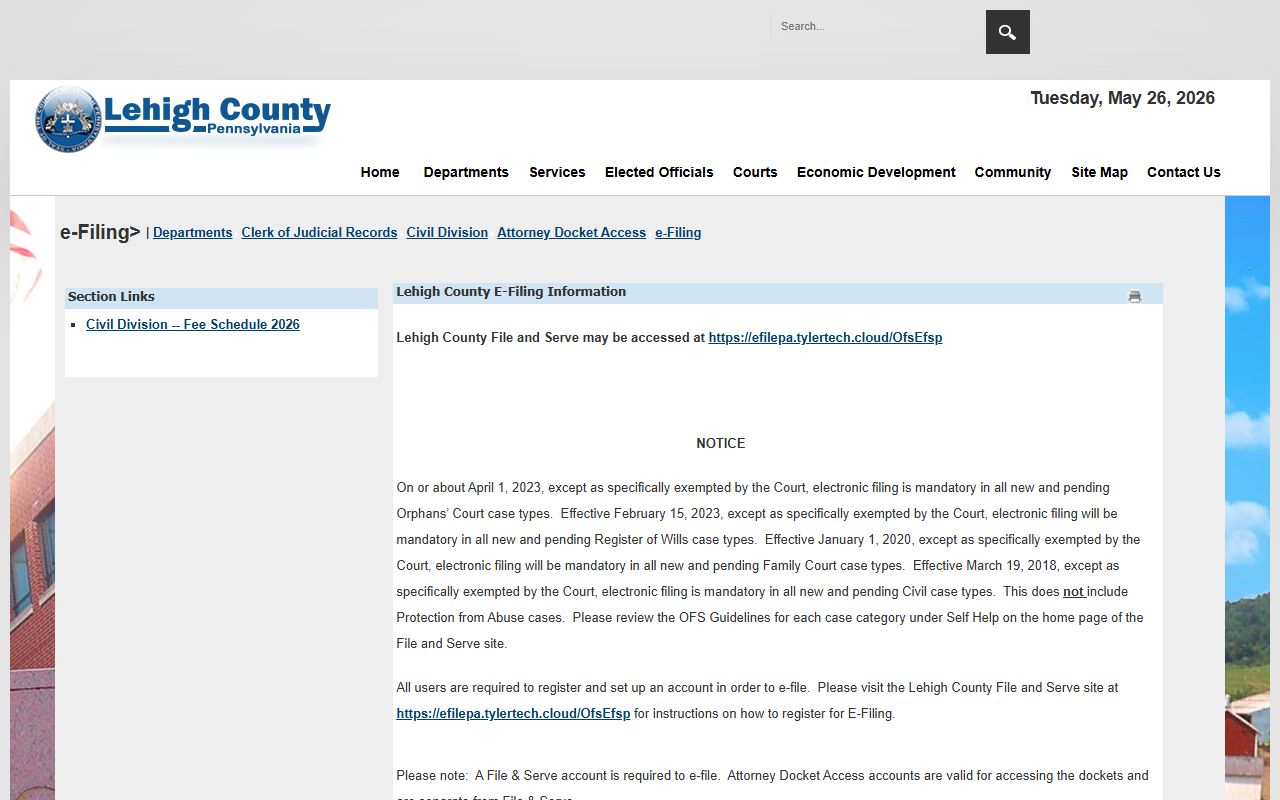
The page lays out which case types fall under the mandate and which are exempt. It helps to know this because the filing route shapes how fast a docket entry appears. Filings done on paper still get docketed, but electronic ones tend to post sooner.
Lehigh County uses the statewide Tyler File & Serve system for e-filing. It is not a public docket search tool, so you cannot look up a stranger's case there. It is the filing front end that feeds entries into the case record. You can reach it at Tyler File & Serve, which prompts a sign-in for registered filers.
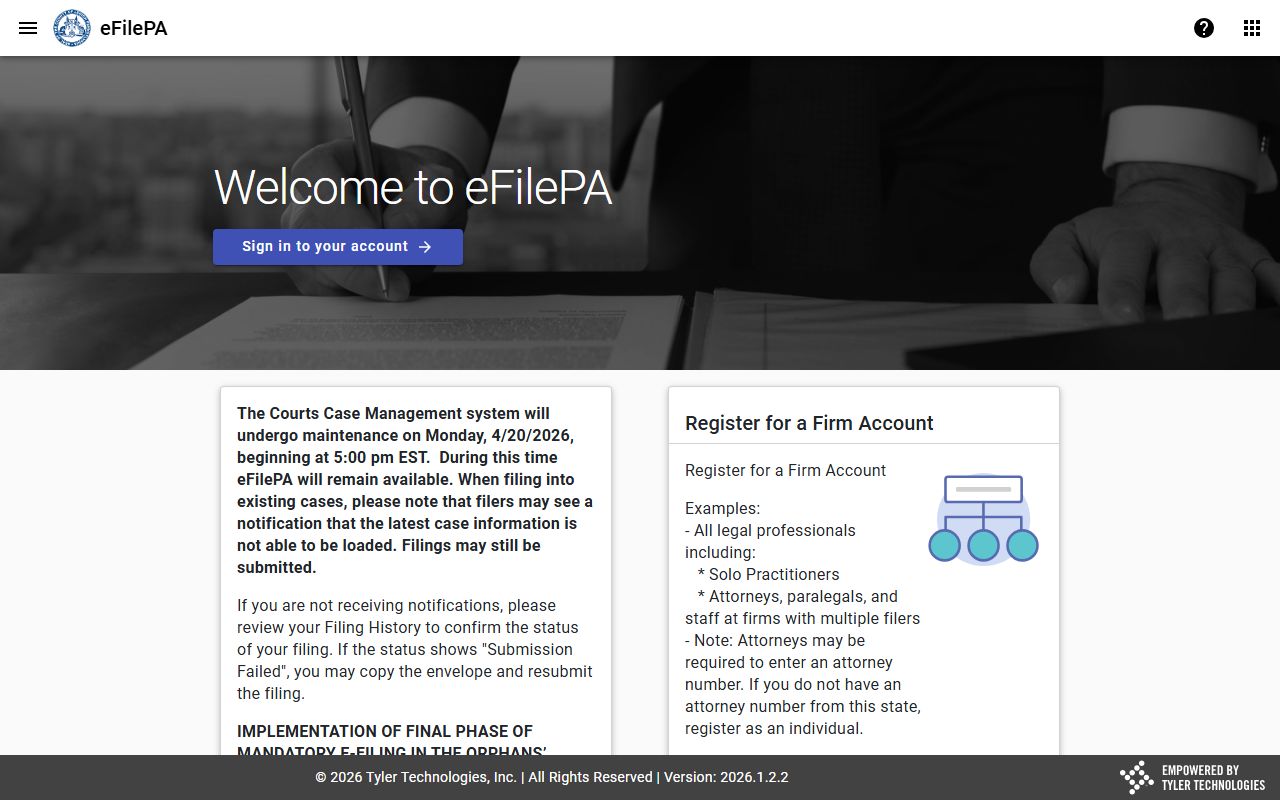
Once a filing clears through that system, it shows up as a docket entry on the case. So the docket you read online is the public face of filings that often started inside this portal. For docket viewing, though, stick with UJS Case Search, since the filing system is for parties and attorneys, not general searches.
How to Read a Lehigh County Docket
A docket sheet is full of short terms. A few common ones come up again and again. Knowing them makes the timeline far easier to follow, especially on a criminal case that moves from the district level up to Common Pleas.
- Docket
- Chronological record of filings, actions, hearings, and court events.
- OTN
- Offense tracking number used in Pennsylvania criminal records.
- Preliminary hearing
- MDJ-level hearing that tests whether enough evidence exists to hold charges for Common Pleas.
- Bind-over
- Transfer of charges from the district level up to Common Pleas after preliminary proceedings.
- Disposition
- The outcome of a charge, claim, or case.
- Continuance
- Postponement of a hearing or deadline.
Disposition codes tell you how a charge ended. A case may read active or open, then later show closed or disposed, transferred, appealed, dismissed, judgment entered, or sentence imposed. A charge dismissed with prejudice cannot be refiled. One dismissed without prejudice may come back if the rules allow. On the financial side, you may see court costs, fines, restitution, or bail actions, especially on criminal and traffic dockets.
A docket can lag or hold limited detail. Same-day filings, sealed records, expunged matters, and restricted family, juvenile, or adoption cases may not appear at all. So an empty result does not always mean there is no case. If the online docket seems thin or out of date, the records office can confirm current status. Traffic and summary matters often live at the district level, which is covered on the Lehigh County traffic court records page.