
How to Search Lehigh County Court Records
Two official systems hold most Lehigh County court records. The free one is the Pennsylvania Unified Judicial System Case Search, a statewide portal for docket sheets. The second is Lehigh County Odyssey Public Access, a county tool that needs an account and shows data only through the end of the prior business day. Start with the UJS portal to find a case, since it is free and statewide. Then turn to the county for documents, certified copies, or same-day status. It helps to know the four terms that get mixed up here. A record is the broad set of court data. A docket is a summary index of filings and events. A file is the full case folder the court keeps. A certified copy is an official stamped document that must come from the office.
Before you start, gather what you know. A full name helps. A docket number helps more. For a common surname, a year of birth or a filing-date range trims the list. You also want the right court level. Felonies and big civil suits sit in the Court of Common Pleas. Traffic, summary offenses, and small claims sit in the Magisterial District Courts. The county runs its own portal through the Lehigh County Online Records Access page, which explains account sign-up and the data-currency notice.
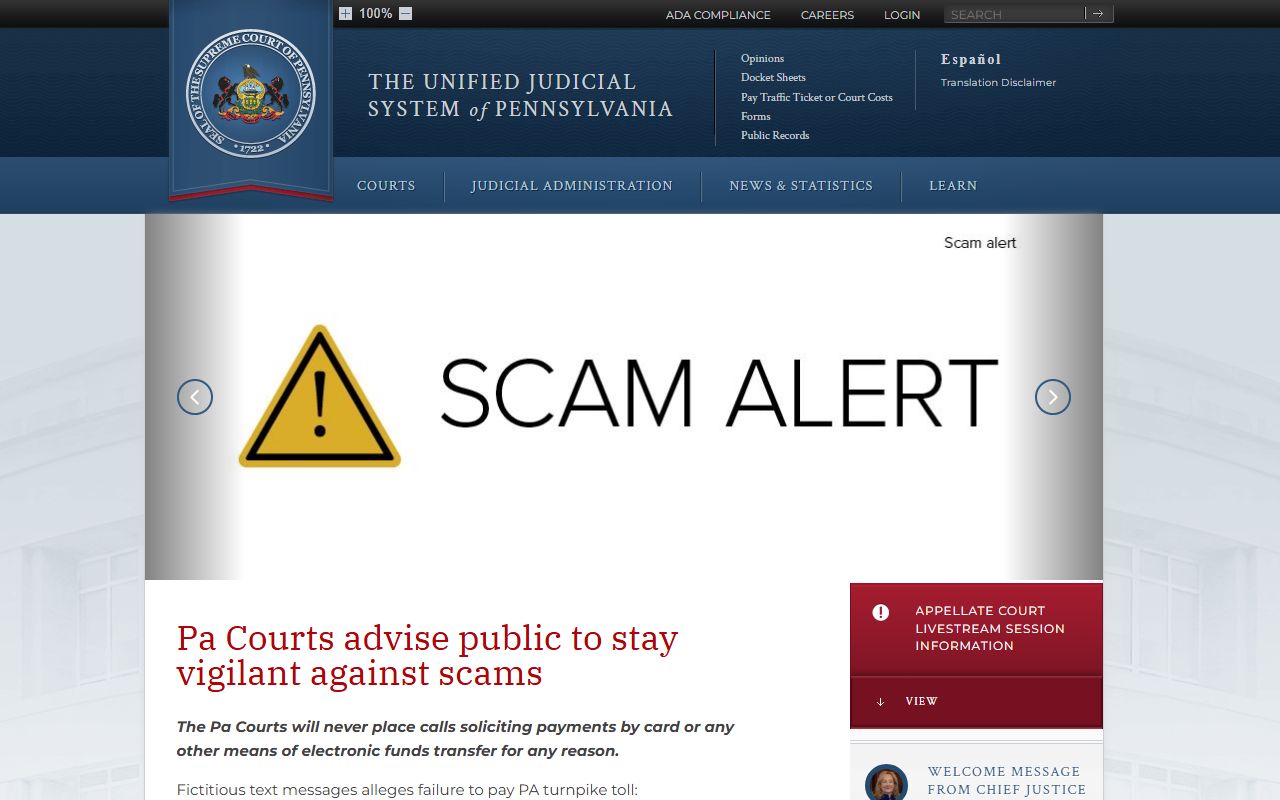
The UJS homepage is the front door to the statewide system, and it links the case search and the public docket sheets. From there a search runs in a few clear steps.
- Open the UJS Case Search and pick a search type, such as docket number or participant name.
- Choose the court type, then select Lehigh as the county when you know the case is local.
- If you know the docket number, search by it. Lehigh Common Pleas criminal dockets use the form CP-39-CR, where 39 is the Lehigh county code.
- If you do not, search by last and first name, then add a date range or year of birth for common names.
- Open the docket sheet from the result to read parties, charges, events, and disposition.
- For pleadings, orders, or certified copies, contact the Clerk of Judicial Records division that holds the file, since the docket does not let you download documents.
For Lehigh Odyssey access, you create or sign in to an account, then search county online records where authorized. Because that page shows data only through the prior business day, the county tells searchers to use Room 122 for same-day or official current status.
Lehigh County Court Records Search Fields
The UJS Case Search opens with a set of search fields. A few are required, and the rest help narrow a long result list. The table below lists the main fields and how to use them for a Lehigh County search. The county Odyssey portal sits behind an account login, so its internal search fields are gated and are not published for public view. Use the UJS field set as your guide for a free search.
| Field Label | Type | Required | Notes / Format |
|---|---|---|---|
| Search By | Dropdown | Yes | Docket number, participant name, OTN, complaint or citation number, attorney, or SID. |
| Court Type | Dropdown | Yes | Common Pleas, Magisterial District, appellate, or Philadelphia Municipal. |
| County | Dropdown | Helpful | Select Lehigh for local Common Pleas or MDJ cases. |
| Docket Number | Text | For docket search | Lehigh Common Pleas criminal dockets use CP-39-CR; MDJ dockets use an MJ prefix. |
| Last / First Name | Text | For name search | Participant search; add detail for common names. |
| Date of Birth | Date / Text | Optional | Narrows participant matches where the portal allows it. |
| Date Filed From / Through | Date | Optional | Trims results to a filing window. |
| Participant Role | Dropdown | Optional | Plaintiff, defendant, petitioner, or respondent, by court type. |
Types of Lehigh County Court Records
Lehigh County court records split into a handful of types, and each one ties to a court level or a Clerk division. The Court of Common Pleas produces criminal, civil, family, and Orphans' Court files. The Magisterial District Courts produce summary, traffic, landlord-tenant, and small-claims files. The Civil Division dockets and scans civil and family cases, judgments, notes, and liens. The Criminal Division handles adult and juvenile criminal matters, bail, and sentencing data. Knowing which level took a case points you to the right record set.
Many filings have official forms, and the statewide forms library is the place to find them. The UJS forms page collects court forms used across the system, from records requests to confidential-information cover sheets.
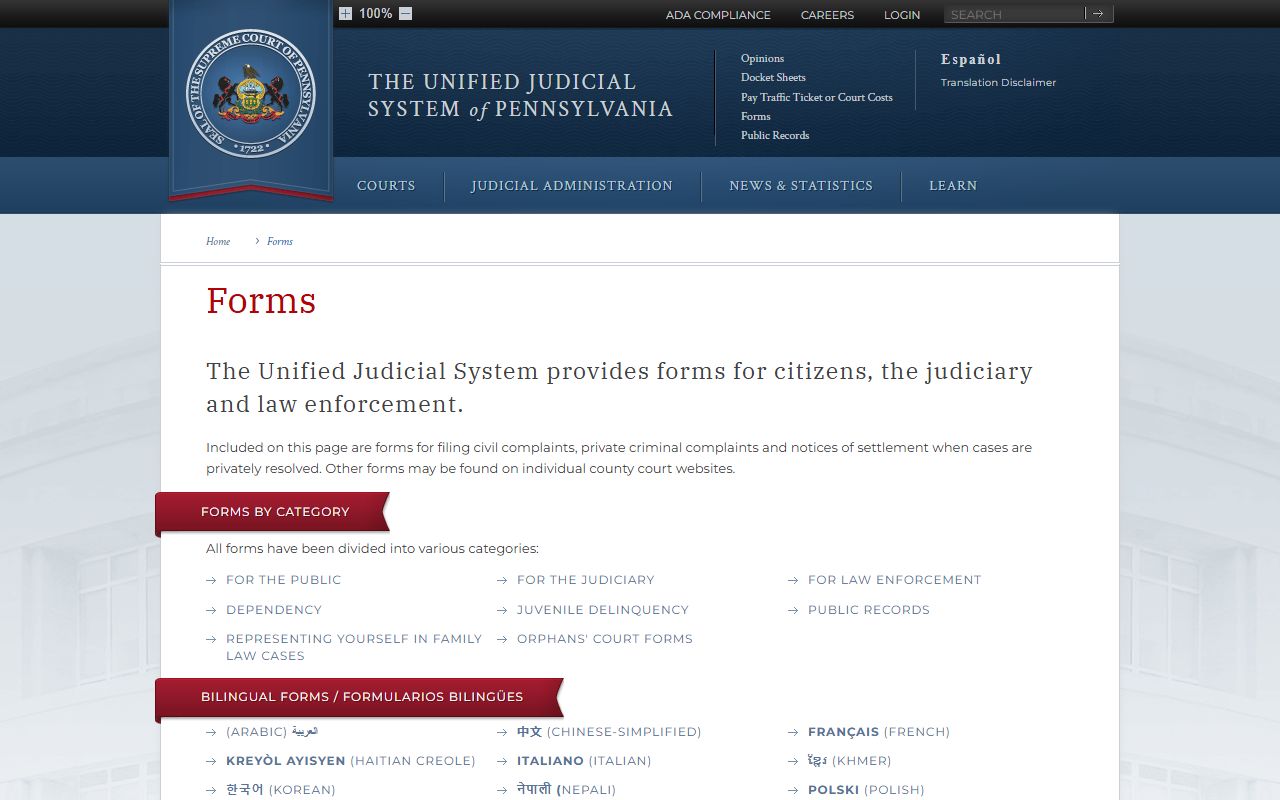
You can browse those forms on the statewide UJS court forms page, which is useful when you need a records-request or correction form. The common record types break down like this.
- Civil records - complaints, motions, orders, judgments, liens, arbitration, and mortgage foreclosure files.
- Criminal records - charges, pleas, dispositions, bail, sentencing, costs, and restitution.
- Family records - divorce, custody, child support, and protection from abuse matters.
- Probate records - wills, estates, guardianships, and adoptions through the Register of Wills and Orphans' Court.
- Traffic records - citations, fines, dispositions, and license-related consequences, mostly at the local court level.
- Judgments and liens - civil money judgments, notes, and liens docketed by the Civil Division.
What Lehigh County Court Records Show
A docket sheet is a summary of a case. It does not hold the actual filed documents, but it tells you what the case is, who is in it, and what has happened. The fields below show up on most Lehigh County dockets, whether the case is criminal, civil, or family. Criminal dockets add fields like the offense tracking number, arresting agency, and bail actions. Some fields stay hidden under court policy, such as Social Security numbers, minors' names, and abuse-victim data.
| Field | What It Shows |
|---|---|
| Docket Number | The case ID; Lehigh Common Pleas criminal dockets use CP-39-CR. |
| Court and County | Court of Common Pleas of Lehigh County or a specific Magisterial District Court. |
| Case Caption | The party line, such as Commonwealth v. defendant or plaintiff v. defendant. |
| Filing Date | When the complaint, petition, or appeal was filed. |
| Parties | Names and roles, such as plaintiff, defendant, petitioner, or respondent. |
| Attorneys | Attorney name, the party represented, and sometimes a bar number. |
| Judge or MDJ | The assigned Common Pleas judge or Magisterial District Judge. |
| Status / Disposition | Active, closed, dismissed, judgment entered, sentence imposed, or sealed. |
| Financials | Bail, court costs, fines, restitution, filing fees, and payments. |
The same dockets also carry an entry history, with each filing, hearing, continuance, motion, and order listed in date order.
Public Access Framework for Lehigh County Court Records
Pennsylvania starts from a presumption that court records are open, but two different rule sets apply. County agency records, like budgets and contracts, fall under the state Right-to-Know Law, found at 65 P.S. §§ 67.101-67.3104. You can read that framework at the Pennsylvania Office of Open Records site. Court case files fall under the Unified Judicial System Case Records Public Access Policy instead, which took effect January 1, 2022. That split matters, because people often send the wrong type of request. Court records should be requested from the court or Clerk division holding the file, not through a generic county open-records request.
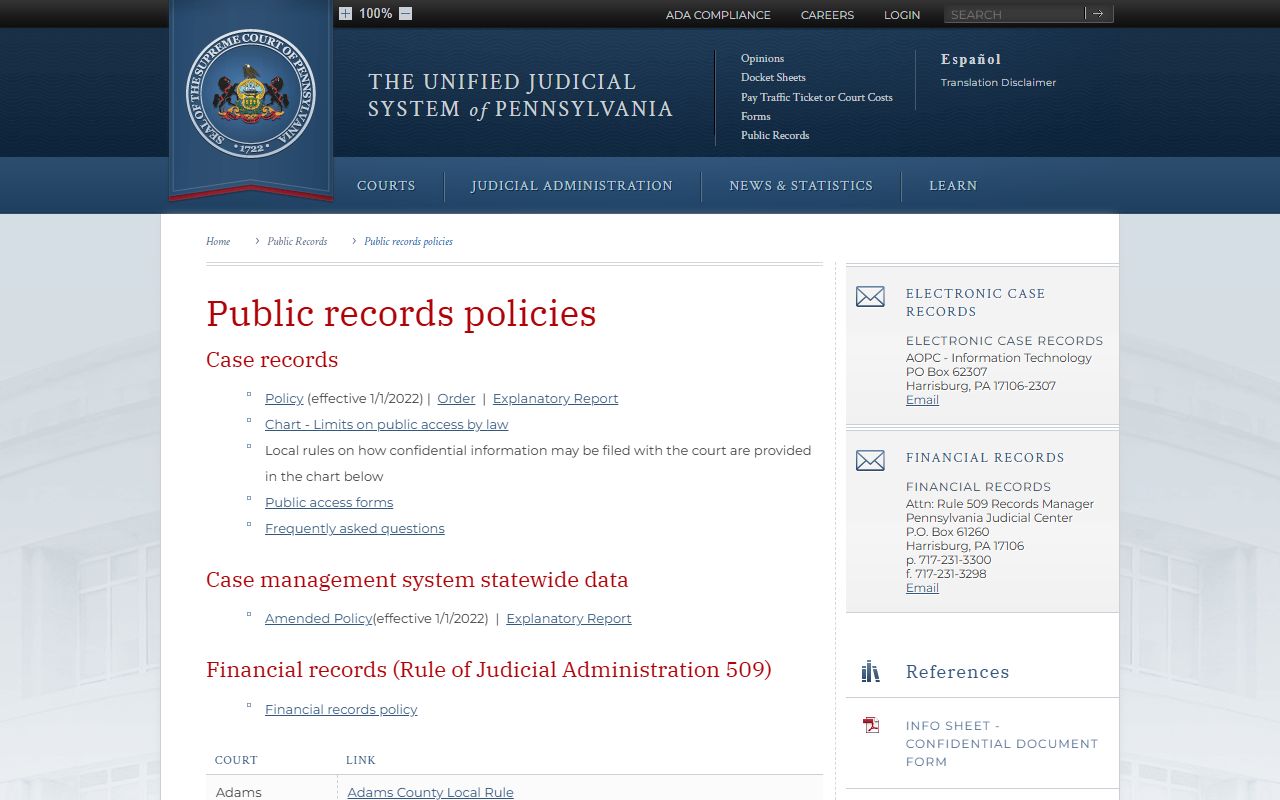
The UJS public record policies page sets out what counts as a case record, what stays confidential, and how the public may access docket sheets. You can review it on the UJS public record policies page, which also links the docket search and the request forms. Anyone may view a public docket sheet for free. Certified or older paper copies carry a fee and come from the Clerk. For UJS financial records, the posted fees include $0.15 per page after the first ten pages, $5 per CD, and actual postage.
Note: A public docket sheet lets you read a case, but it does not let you download the filed documents, which come from the county Clerk.
Records That Are Sealed or Confidential in Lehigh County
The county's own rule is simple to state. Records are public except where the law says otherwise. The Lehigh County Clerk lists the main exceptions by name: juvenile records, child victim records, mental health records, and any case closed by court order. Sealed and expunged matters drop out of the public view too. Adoption files and original birth records are sealed under Pennsylvania law and Department of Health procedures. Abuse-victim information and protection-from-abuse details carry their own confidentiality under the UJS policy.
Two juvenile statutes set the limits on those files. 18 Pa.C.S. § 9122 governs when a Pennsylvania criminal record may be expunged, while 42 Pa.C.S. § 6307 limits who may inspect juvenile court files and 42 Pa.C.S. § 6308 controls juvenile law-enforcement records. Court terminology lines up with the state's larger structure, where appeals from Common Pleas run to the Superior or Commonwealth Court and then the state Supreme Court.
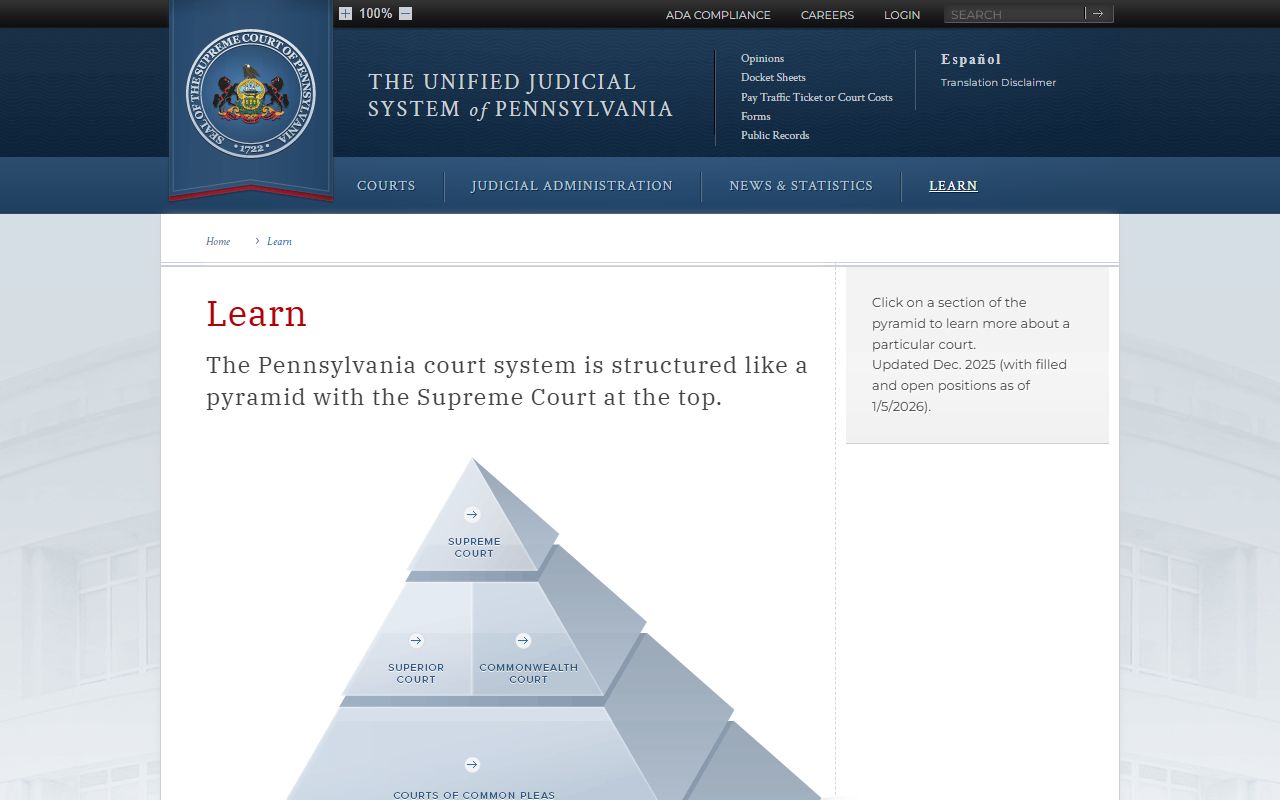
The UJS learn page lays out that court structure, which helps you tell which level sealed or closed a given file. See it on the Pennsylvania court structure page. Getting access to a closed record is a legal task, not a search task. A party, an attorney, or someone with a court order may be able to view a sealed file, but the request goes to the court that holds it, not to the public portal. Expungement under 18 Pa.C.S. § 9122 follows its own path: a petitioner files in the court of record, serves the required agencies, and obtains a signed order, which the Clerk then transmits to the state repositories.
In-Person Lehigh County Court Records Requests
For documents, certified copies, or older files that are not online, go to the office that holds the case. The Clerk of Judicial Records sits in the Lehigh County Courthouse in downtown Allentown, and all four record divisions share Room 122. Public computer terminals are set up in each division for public review. Bring the docket or case number if you have it, and bring a photo ID. Ask the clerk whether the copy you need must be plain, certified, exemplified, or docket-only, since the fee and use differ for each. Computerized coverage runs deep here: civil records reach back to 1985 online, criminal records to 1990 with an index to 1962, and Register of Wills records all the way to 1812.
Clerk of Judicial Records
455 W. Hamilton Street, Room 122
Allentown, PA 18101-1614
610-782-3148
Mon-Fri 8:00 a.m.-4:30 p.m.
The Civil Division line above answers civil and family record questions. For criminal or Register of Wills files, the same office routes you to the proper division desk. More on requests and certified copies sits on the Clerk of Judicial Records page.