
How to Search Lehigh County Traffic Court Records
Pennsylvania puts most court case records in one place. You search Lehigh County traffic court records through the statewide UJS Case Search portal. It is free. The tool reaches both Magisterial District Court cases and Court of Common Pleas cases. You can find active, closed, paid, dismissed, and withdrawn traffic matters. A search by citation number is the most direct route. A search by name works when you do not have the ticket in hand. The portal shows the docket sheet, which lists the charge, the plea, the disposition, and the money owed.
Have a few things ready before you start. The citation number is best. If you only have a name, use the driver's last name first, then add the first name to cut down on matches. You also pick a court type and the county. For traffic, that usually means Magisterial District Court and Lehigh. A date or date range helps when a name is common. The portal does not need your license number for a public case search.
- Open the UJS Case Search page and pick a search type, such as citation number or participant name.
- Enter the citation number exactly, or type the driver's last and first name.
- Choose the court type and select Lehigh as the county to narrow the list.
- Open the matching docket sheet and read the charge, plea, disposition, and balance.
- Then pay, enter a plea, or ask the issuing court for a certified copy if you need one.
Which Courts Handle Traffic Cases in Lehigh County
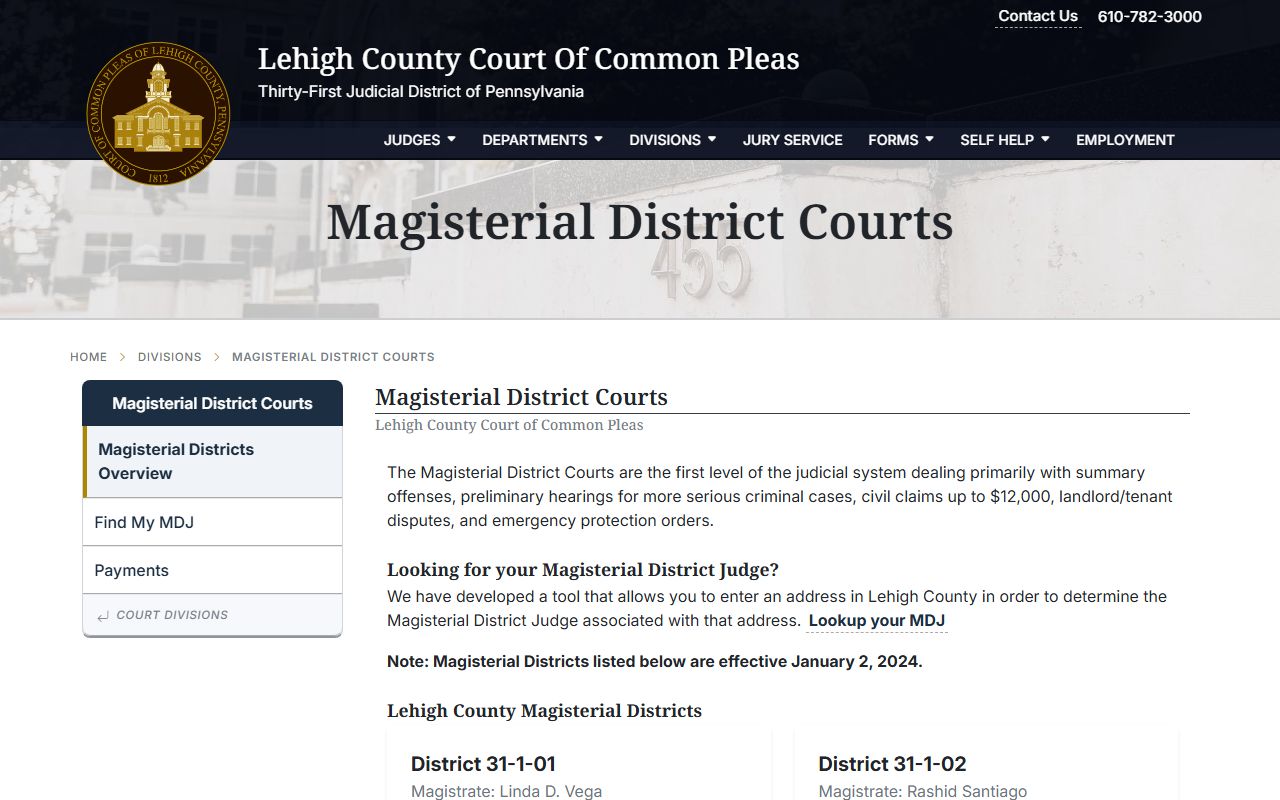
Two court levels deal with traffic in Lehigh County. Magisterial District Courts come first. They are the first level of the state judicial system. They handle summary offenses, which is where most traffic tickets land. They also run preliminary hearings, small civil claims up to $12,000, landlord and tenant disputes, and emergency protection orders. Lehigh County sits in the Thirty-First Judicial District and runs fourteen Magisterial District Court offices across the county. The official Lehigh County MDJ listing shows each judge with an address and phone.
The Magisterial District Court page lays out where each office sits and what it handles.
The Lehigh County Magisterial District Court directory is the source for office addresses and the summary-court role described here.
The Court of Common Pleas in Allentown takes the heavier matters. It hears appeals from summary convictions, so a driver who loses at the MDJ level can ask that court to review the case. It also handles DUI and other criminal traffic prosecutions. DUI is treated as a criminal case, not a plain traffic ticket. Municipal police departments write the citations, but the court record is held by the MDJ or Common Pleas court, and license consequences are tracked by PennDOT.
| Court | Traffic Cases Handled | Where |
|---|---|---|
| Magisterial District Courts (fourteen offices) | Most traffic citations and summary traffic offenses at the first level | County-wide, including Allentown, Bethlehem, Whitehall, Slatington, and Coopersburg |
| Court of Common Pleas, Thirty-First Judicial District | Summary-conviction appeals, DUI, and criminal traffic prosecutions | Lehigh County Courthouse, Allentown |
| PennDOT (not a court) | License status, points, suspensions, and restorations tied to convictions | State driver services |
Types of Traffic Cases on Record
Traffic records in Lehigh County cover a wide range of charges. Most are summary offenses under the Pennsylvania Vehicle Code. A record names the charge, the code section, and the grade of the offense. Some tickets are minor and end with a fine. Others, such as DUI, move up to criminal court and carry far more weight. The court file tracks what the charge was and how it ended, not the license points themselves.
- Moving violations - speeding, running a signal, and careless or reckless driving show up as summary charges.
- Non-moving and equipment - registration, inspection, and lighting or equipment issues are common ticket types.
- Parking - parking matters are usually local fines and may not always appear in the court case search the same way moving cases do.
- Commercial vehicle and CDL - commercial drivers face stricter rules, and a conviction can carry federal reporting on top of the state record.
- Criminal traffic - DUI and similar charges are prosecuted as criminal cases through the Court of Common Pleas.
What Lehigh County Traffic Court Records Show
A traffic docket sheet packs a lot into one page. It opens with the docket number, the citation number, the court office, the county, and the case status. It names the parties, which means the Commonwealth or issuing agency on one side and the driver on the other. The charge block lists the Vehicle Code section, the charge description, the grade, and the offense date. From there the docket runs an event list, showing the citation filing, any plea, hearing dates, the disposition, and any appeal. A financial block tracks the fine, costs, total due, payments, and balance.
Some fields are limited in the public view. A date of birth, a driver's license number, and other personal identifiers may be redacted. The public docket shows the record of the case, not downloadable copies of the underlying citation. For a paper copy, you go to the issuing court. The table below maps the main fields you will see.
| Field | What It Shows |
|---|---|
| Docket / Citation Number | The MDJ docket number and the ticket number that tie the case together. |
| Charge / Statute | The Pennsylvania Vehicle Code section, the charge description, and the grade. |
| Offense and Filing Dates | When the stop happened and when the citation was filed with the court. |
| Plea and Disposition | Guilty, not guilty, dismissed, or withdrawn, and the final result. |
| Events | Hearing dates, continuances, a payment plan, an appeal, or a license-suspension notice. |
| Financial | Fine, costs, restitution if any, total due, payments, and remaining balance. |
Searching by Citation Number vs by Name
You can search two main ways, and each has a best use. A citation number search is the cleanest. It points straight at one ticket, so you skip the guesswork. Type the number exactly as it reads on the ticket. A small error in the format can return nothing. A name search helps when the ticket is lost or was issued to someone else. The catch is common names. A search for a name like Smith can return many cases, so add the first name and a date range to narrow it down. The UJS Case Search tool runs both methods from the same page.
The search screen below shows the fields you fill in to run a Lehigh County traffic lookup.
You reach this screen through the Pennsylvania UJS Case Search page, which serves every county in the state.
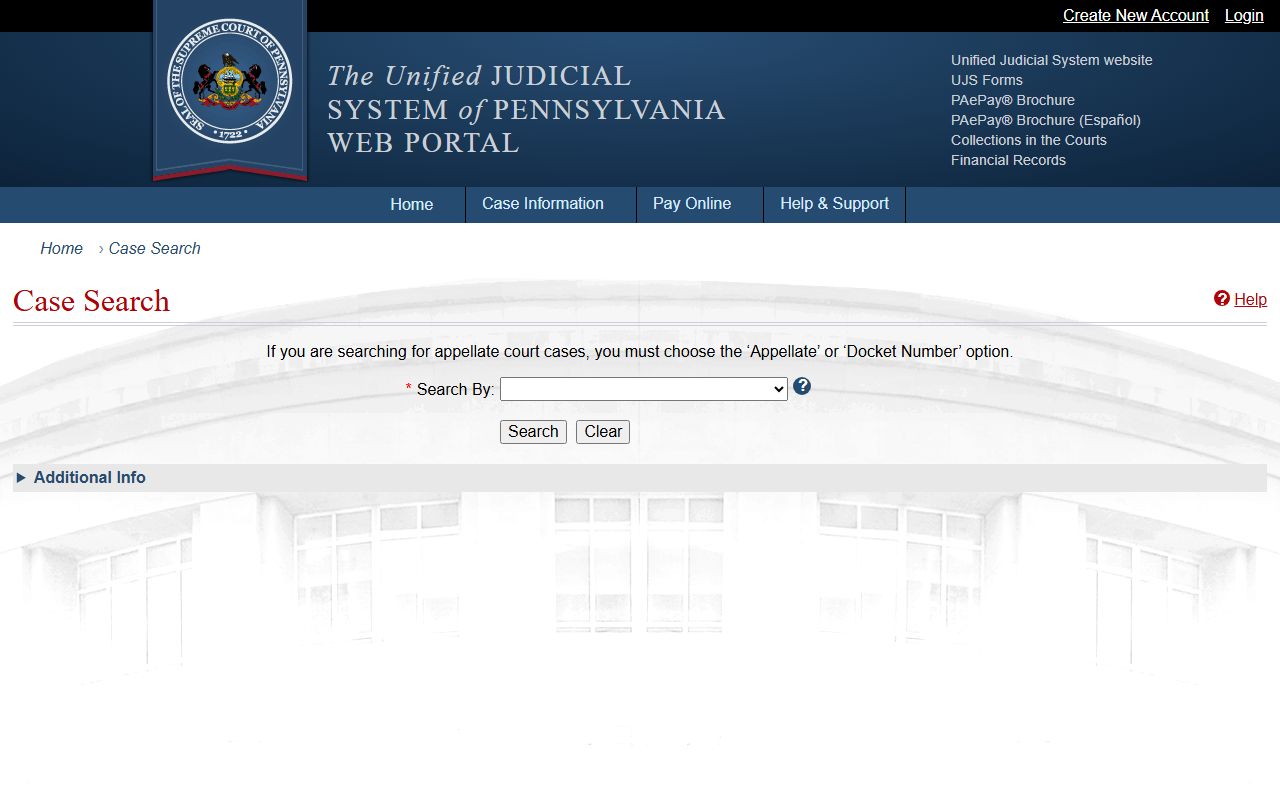
The grid lists each field, whether it is required, and the format to use.
| Search Field | Type | Required | Notes / Format |
|---|---|---|---|
| Search By | Dropdown / tab | Yes | Pick citation number, participant name, docket number, or another search type. |
| Court Type | Dropdown | Yes | Magisterial District Court for most traffic; Court of Common Pleas for appeals, DUI, or criminal matters. |
| County | Dropdown | Important | Select Lehigh to limit results. |
| Citation Number | Text | Yes for citation search | Enter the ticket number exactly if you have it. |
| Participant Last Name | Text | Yes for name search | Use the driver's last name. |
| Participant First Name | Text | Optional | Narrows common names. |
| Date Filed / Range | Date | Optional | Use when you know the citation or filing window. |
Note: a citation that was just issued may take time to post, so a blank result does not always mean the ticket is gone.
Paying or Contesting a Lehigh County Traffic Ticket
You have a few paths once you find your ticket. You can pay it, which is treated as a guilty plea. You can plead not guilty and ask for a hearing. The ticket itself lists the deadline to respond. Pay or respond on time. A missed deadline can lead to extra costs or a license action, and that is not the outcome most people want. Online payment is supported through the UJS portal for many eligible citations, and the Magisterial District Court office can take payment in person.
This research pass did not capture the exact Lehigh payment screen fields, so confirm the current steps with the issuing court or the portal before you pay. If you plan to fight the ticket, follow the plea and hearing instructions printed on the citation. For a missed court date or a failure-to-appear flag, call the Magisterial District Court office listed on your docket right away. Do not use third-party ticket-payment sites. They are not the court.
- Find the citation on the UJS Case Search portal and open the docket sheet.
- Read the docket for the response deadline, the plea options, and the amount due.
- To plead guilty, follow the court's online payment steps or pay at the Magisterial District Court office.
- To plead not guilty, follow the citation and court instructions to enter a plea and set a hearing.
- If you missed a date, contact the Magisterial District Court office on the docket as soon as you can.
Public Access Laws for Traffic Court Records
Pennsylvania starts from a presumption that court records are open, but two rule sets apply. County agency records fall under the Right-to-Know Law. Court case files, including traffic dockets, fall under the Unified Judicial System Case Records Public Access Policy. That split trips people up. A traffic case record is a court record, so you go to the court or the UJS tool, not a generic county request. The policy still protects some details. Filers must keep confidential information, such as identifiers, out of public filings, and the public docket may redact what slips through.
You can pull the request forms and the policy from the official source.
The Pennsylvania courts public records forms page lists the forms for requesting records, correcting clerical errors, and filing confidential information.
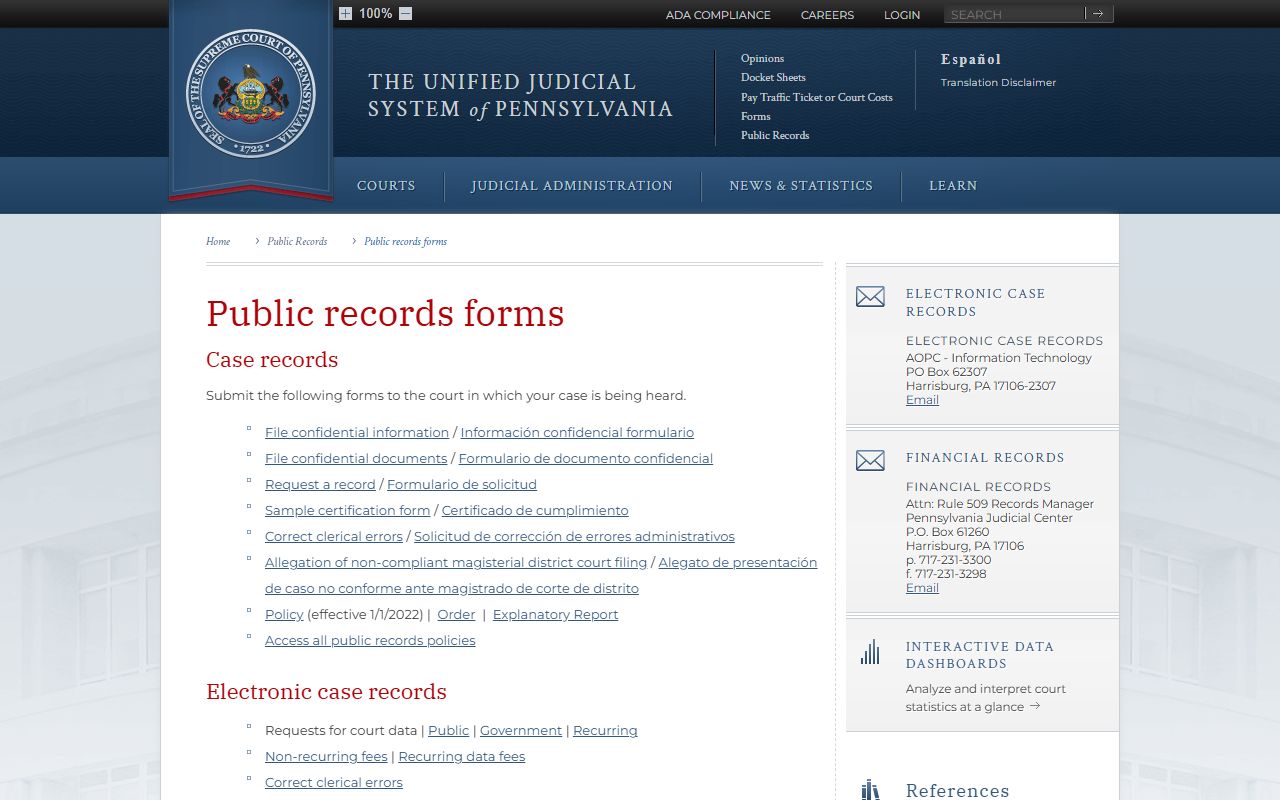
That forms page is the right starting point when a docket alone is not enough and you need an official court copy.
Key Statutes:
65 P.S. §§ 67.101-67.3104, Right-to-Know Law - gives the public a right to request agency records, with deadlines and an appeal to the Office of Open Records.
18 Pa.C.S. § 9122 - sets out when a qualifying Pennsylvania record, including certain summary offenses, may be expunged.
Court Traffic Records vs State Driver Records
This is the part people miss most. A Lehigh County traffic court record and a Pennsylvania driver record are two different files. The court file tracks the citation and how the case ended. The driver record, kept by PennDOT, tracks license status, points, convictions, suspensions, and restorations. Paying or resolving a court citation does not, by itself, mean your driver record is clear. A traffic disposition can still be reported to PennDOT, and the points or a suspension show up on the license side. To know your full picture, you may need to check both. The court docket answers what happened in court. The driver record answers what it did to your license.
| Item | Court Traffic Record | PennDOT Driver Record |
|---|---|---|
| Maintained by | MDJ court, Court of Common Pleas, and the court system | Pennsylvania Department of Transportation |
| What it shows | Citation, charge, plea, disposition, fines, and costs | License status, points, convictions, suspensions, and restorations |
| How to access | UJS Case Search or the issuing court clerk | PennDOT driver services, with identity checks |
| Search identifiers | Citation number, docket number, or participant name | License or customer data with PennDOT identity verification |
| What it does not prove | May not show full driver or license history | May not show the full court file or pleadings |
CDL and Commercial Driver Records
Commercial drivers play by stricter rules. A CDL holder should not assume a traffic-school or diversion option is on the table. Many commercial violations carry no such break, and federal reporting rules can apply on top of the state record. A conviction that looks minor for a regular driver can be a serious mark against a CDL. Because the stakes are higher, a commercial driver should read the docket closely and may want legal advice before entering a plea. The court record and the PennDOT record both matter here, and a CDL action can reach beyond a single ticket.
DUI / DWI Cases
DUI is not a routine traffic ticket. In Pennsylvania it is a criminal charge, so it is prosecuted through the Court of Common Pleas, not the summary-traffic track. That means a DUI case sits with the criminal docket and can carry jail time, probation, and a license action. You still search it through UJS Case Search, but you select the Common Pleas court type rather than the Magisterial District Court.
For full Lehigh County DUI and DWI case information, see Lehigh County criminal records.
Deferred Adjudication and Defensive Driving Course
Drivers often ask about traffic school or a deferral that keeps a ticket off the record. Do not assume one exists for your case. This research did not confirm a standing traffic-school or diversion track for Lehigh County summary traffic tickets, and options vary by charge and by court. The safe move is to ask the Magisterial District Court office on your docket what, if anything, is available, and to read the citation for any program noted there. For commercial drivers, the answer is often no. Whatever the court allows, remember that the court file and the PennDOT driver record are separate, so a program that helps with one may not erase the other.
Sealing or Expunging Traffic Records
Pennsylvania does not erase every record on request. Expungement is a statutory remedy for eligible categories under 18 Pa.C.S. § 9122, and it can reach certain summary offenses in limited situations. The state also runs a limited-access or Clean Slate system that seals some records from public view without destroying them. To pursue either path, you usually need the docket number, the court of record, and the final disposition. Eligibility turns on the specific charge and history, so a person should confirm it against the statute and the court process before filing. The court file and the related Lehigh County court records hold the docket details you would need.
Fees for Traffic Record Copies
Searching a traffic case on UJS Case Search is free. Fees come in when you want a paper or certified copy from the court. The exact Lehigh County traffic-copy fees were not found in an official traffic-specific source during this research, so the safest step is to ask the issuing Magisterial District Court office or check the UJS payment page for current costs. Court fee schedules can change, and a clerk can quote the amount for your request.
The statewide UJS public records process does list financial-record copy charges as a reference point. Those figures are shown below. They cover financial-record requests and are not a quote for a specific traffic docket copy, so verify before you pay.
| Item | Amount |
|---|---|
| UJS photocopies (after first 10 pages) | $0.15 per page |
| Records on CD | $5 per CD |
| Postage | Actual cost |
| Lehigh traffic-copy fee | Confirm with the issuing court |
Note: avoid third-party ticket-payment sites, which may add charges and are not the court or PennDOT.